
Download any video instantly
Save videos from YouTube and 1000+ sites with one click. Fast, secure, and completely free browser extension


Powerful Features
Fast, simple, and built for anyone who wants instant access to any video online
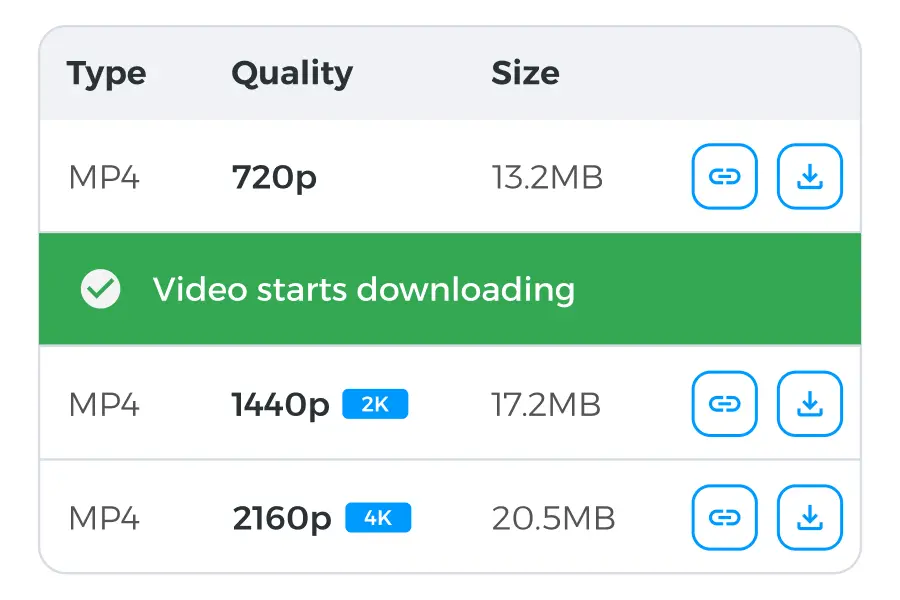
One-click video download
Save videos directly from the page without copying links or using third-party sites

Supports 1000+ platforms
Works on YouTube, Vimeo, TikTok, Facebook, Twitter, and most popular video websites
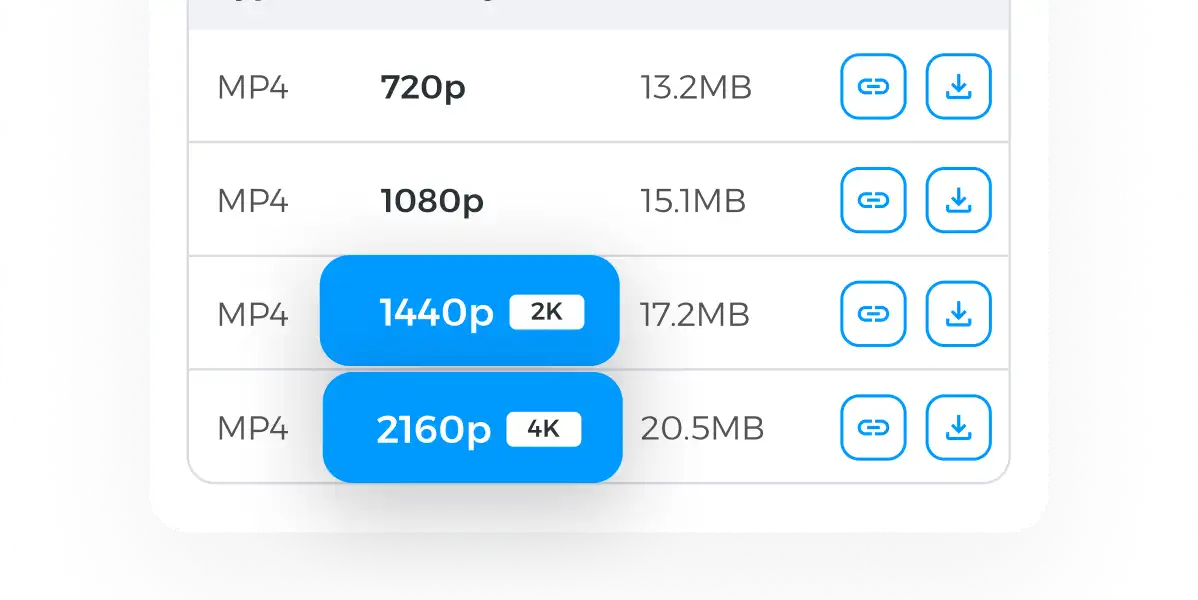
Best format & quality options
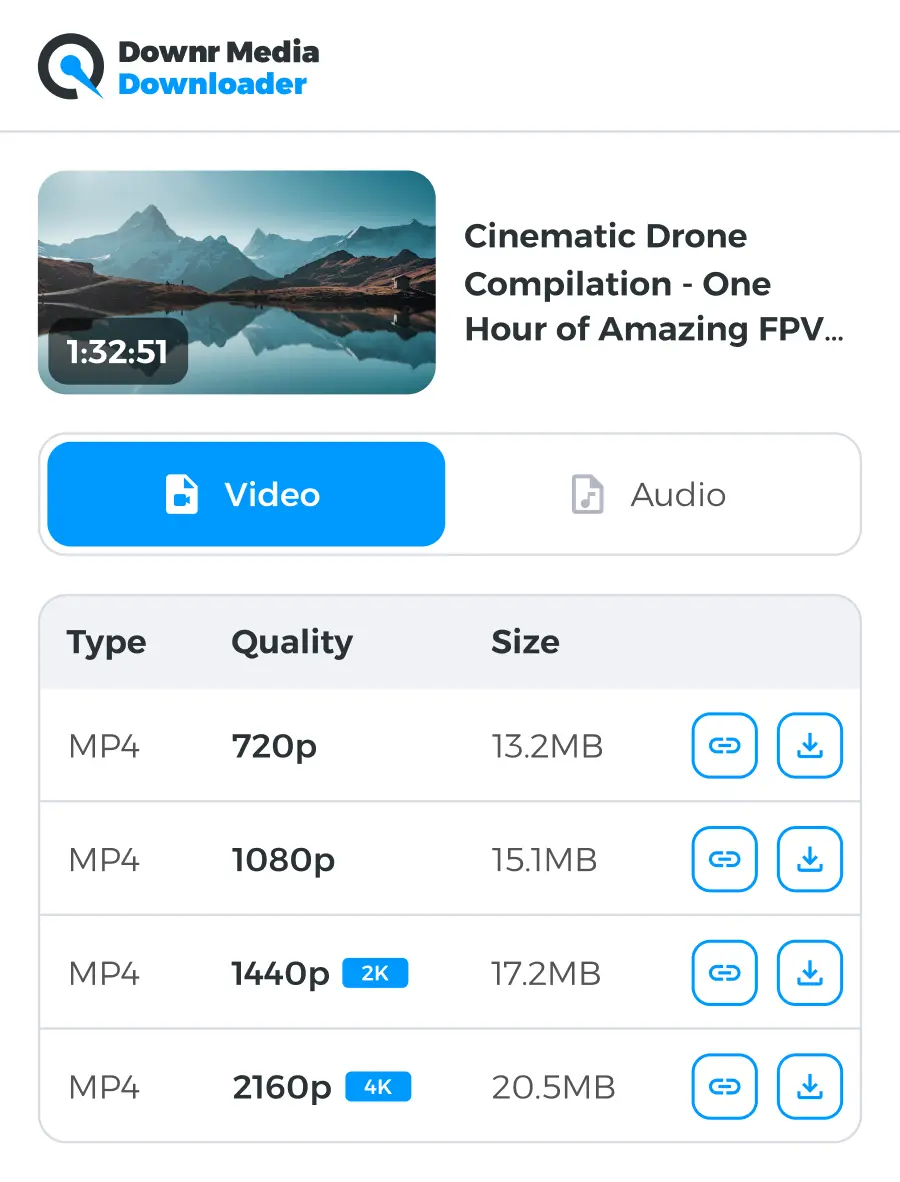
Choose MP4 or audio-only formats in resolutions up to 4K
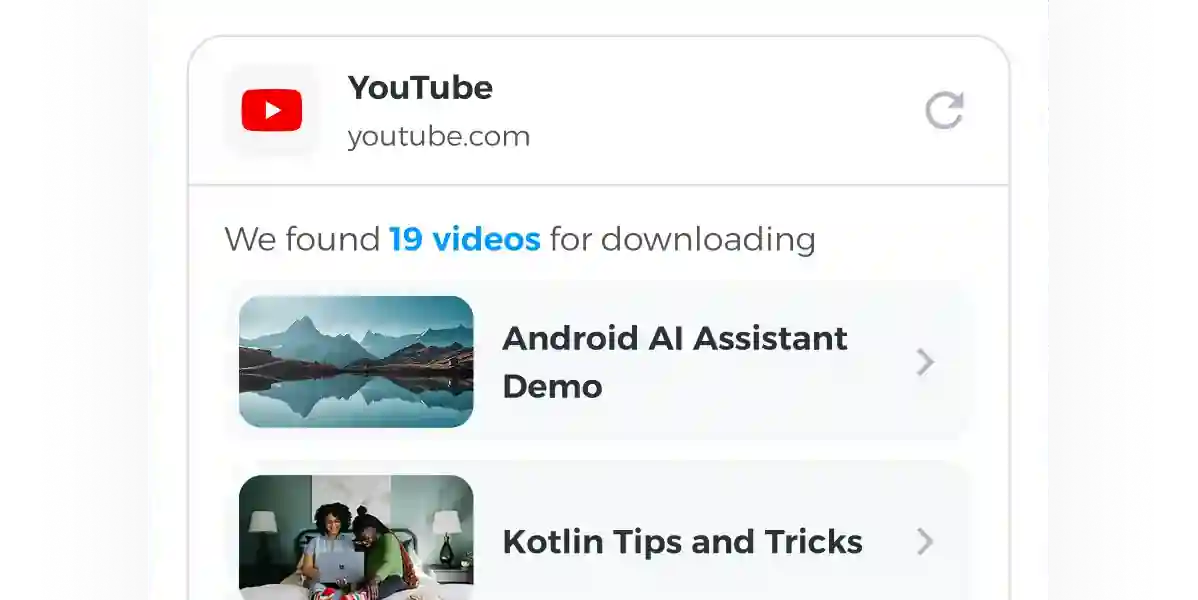
Built-in smart detection
The extension automatically detects available videos on any page you visit
How it works

Install the Extension
Install the extension via CRX in just a few seconds. No sign-up or configuration required — once installed, it’s always ready to use

Visit Any Video Site
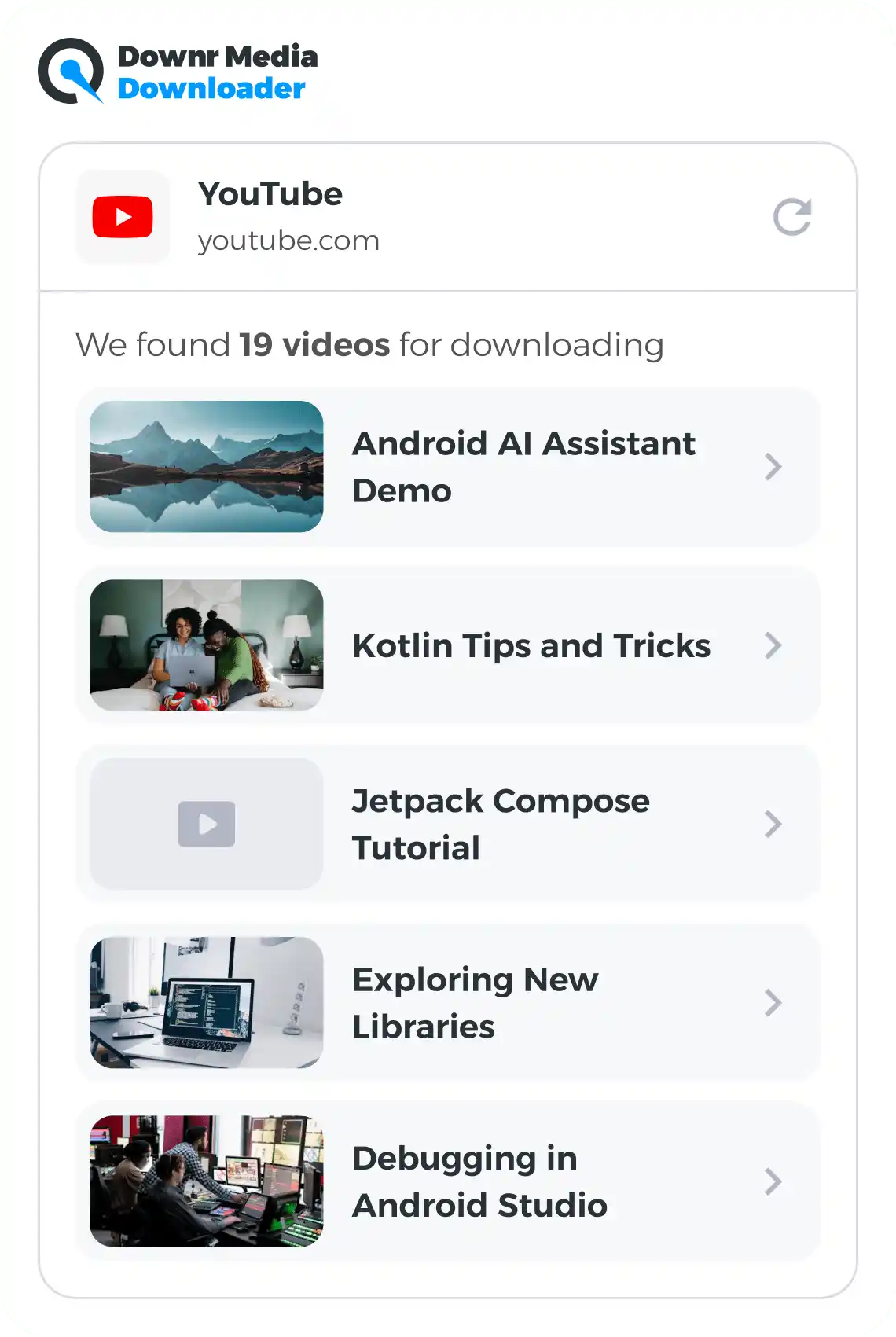
Open any webpage with a video and click the extension icon to open the popup directly on the video page

Download in One Click
Choose your preferred format and quality, start the download, and track the process in the Download Processing tab until the video is ready
Start saving videos today — free forever
Join over 500,000 users who already download their favorite videos in seconds. Install now and take full control of your online content
Onboarding
Start downloading now
To start the download, click on the extension icon on any video site to start the download. The extension detects media automatically so you don’t have to search for download links.
FAQ
Is the Downr Media Downloader truly free, with no hidden conditions?
Why do you need permission for access to all websites?
Are there any usage limits on how often I can use the downloader?
Can I download YouTube videos in 4K quality with audio included?
How long should I expect a typical download to take?
What does this extension have to do with downr?
I installed CRX Launch. What next? Where is my Video Downloader?
Why do I see “Unable to extract the video” when the page clearly has a video?